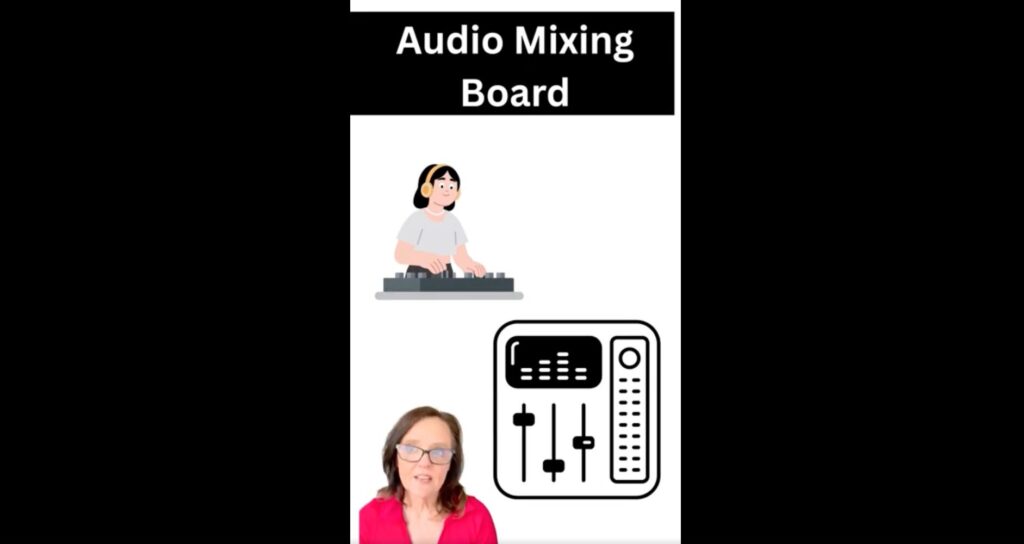
Continuing our series on decoding digital interfaces, this video explains the “filter” icon. Often looking like a series of slider switches on a soundboard, this icon is crucial for sorting information online. We break down what it looks like, why it was designed that way, and how you can use it to take control of the content you see on websites and apps.
RESOURCES
Access related articles and tools for your classroom: https://edtechblueprint.net/resource-hub/
CURRICULUM UPDATES
Sign up for updates on the upcoming “Building Independent Digital Thinkers” curriculum: https://edtechblueprint.net/updates